

Sessions
General storefront behavior — cart additions, checkout, and conversion, independent of any specific offer.
Atom Offer Sessions
Behavior for sessions where a specific Atom offer was present, so you can see offer-level conversion.
Offer Performance
Order-level results — revenue, savings, and usage pulled from completed orders.
Offer Performance metrics
Order-based metrics, built from completed orders.Sessions metrics
Storefront behavior, independent of whether an offer was present.Atom Offer Sessions metrics
The same funnel as Sessions, scoped to sessions where a specific Atom offer was present.When you group Atom Offer Sessions by Offer, a single session can appear in more than one offer’s row if multiple offers were present. Totals shown at the top of the report are deduplicated across offers.
Dimensions
Dimensions group your metrics. Available options depend on the dataset, and include:- Day — group by date, useful for trend charts
- Offer / Offer ID — group by a specific offer
- Currency
- Offer Type and Offer Subtype
- Discount Method
- Offer Status
Data freshness
Session-based reports (Sessions and Atom Offer Sessions) show a status banner above the chart when data isn’t fully up to date, for example: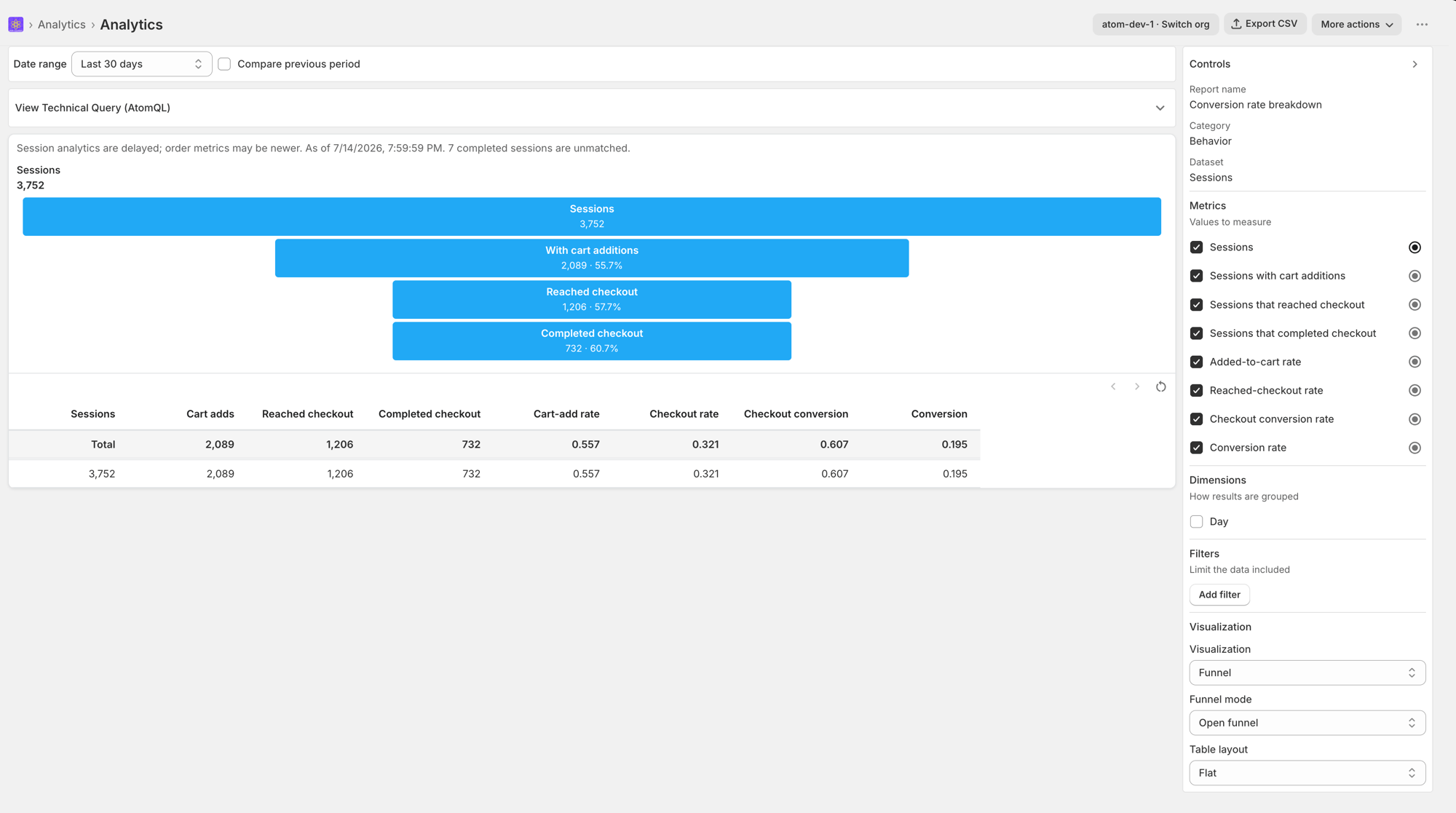
- Processing — “Session analytics are currently processing.”
- Delayed — “Session analytics are delayed; order metrics may be newer.” Shown alongside an “As of ” note and, if applicable, how many completed sessions couldn’t be matched to an order.
- Incomplete — “Session analytics are incomplete for this store.”